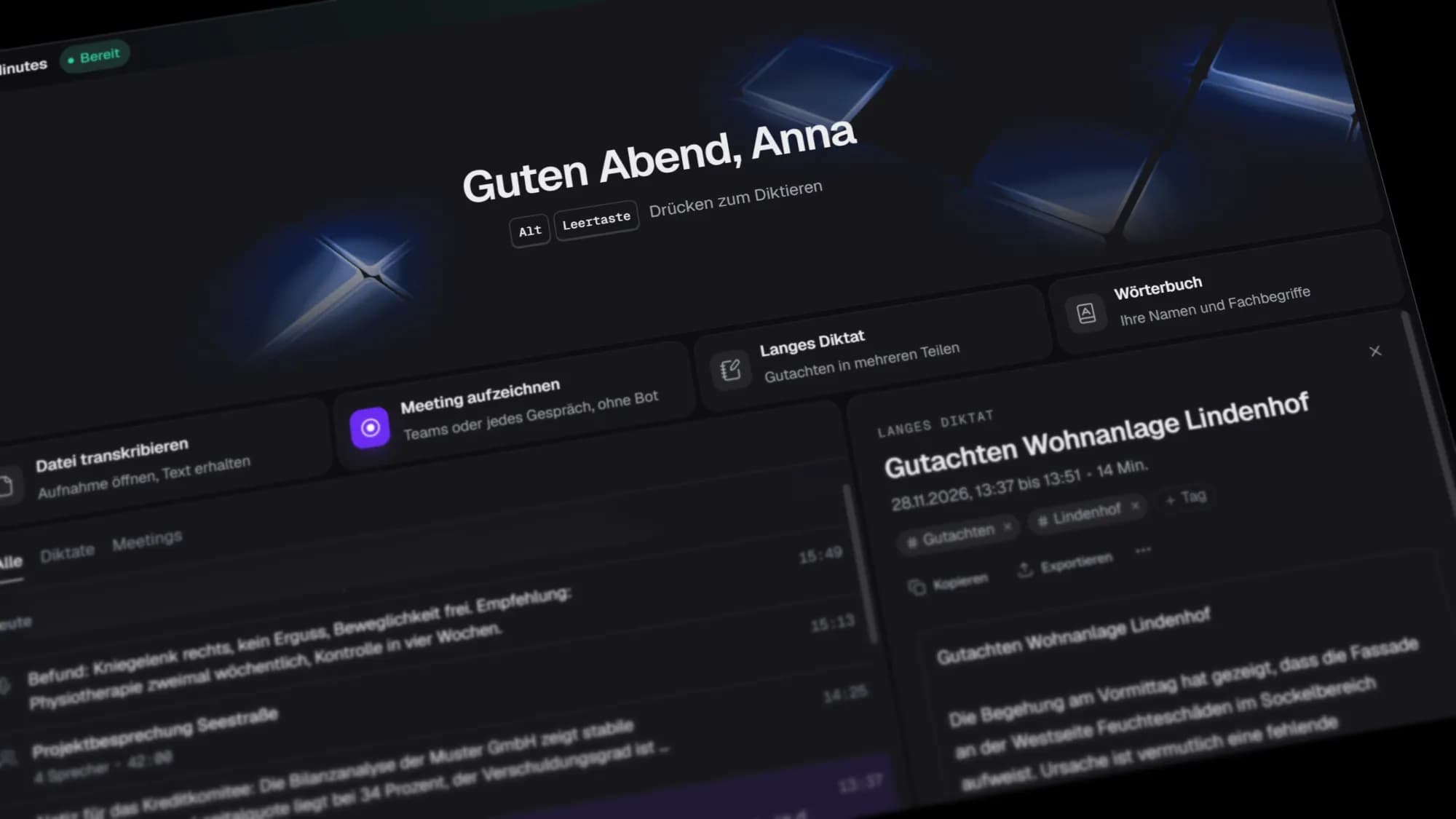
Long dictation
Dictate expert opinions and reports in parts, edit freely, file with tags, copy or export.
Dictation & meetings · Windows and macOS
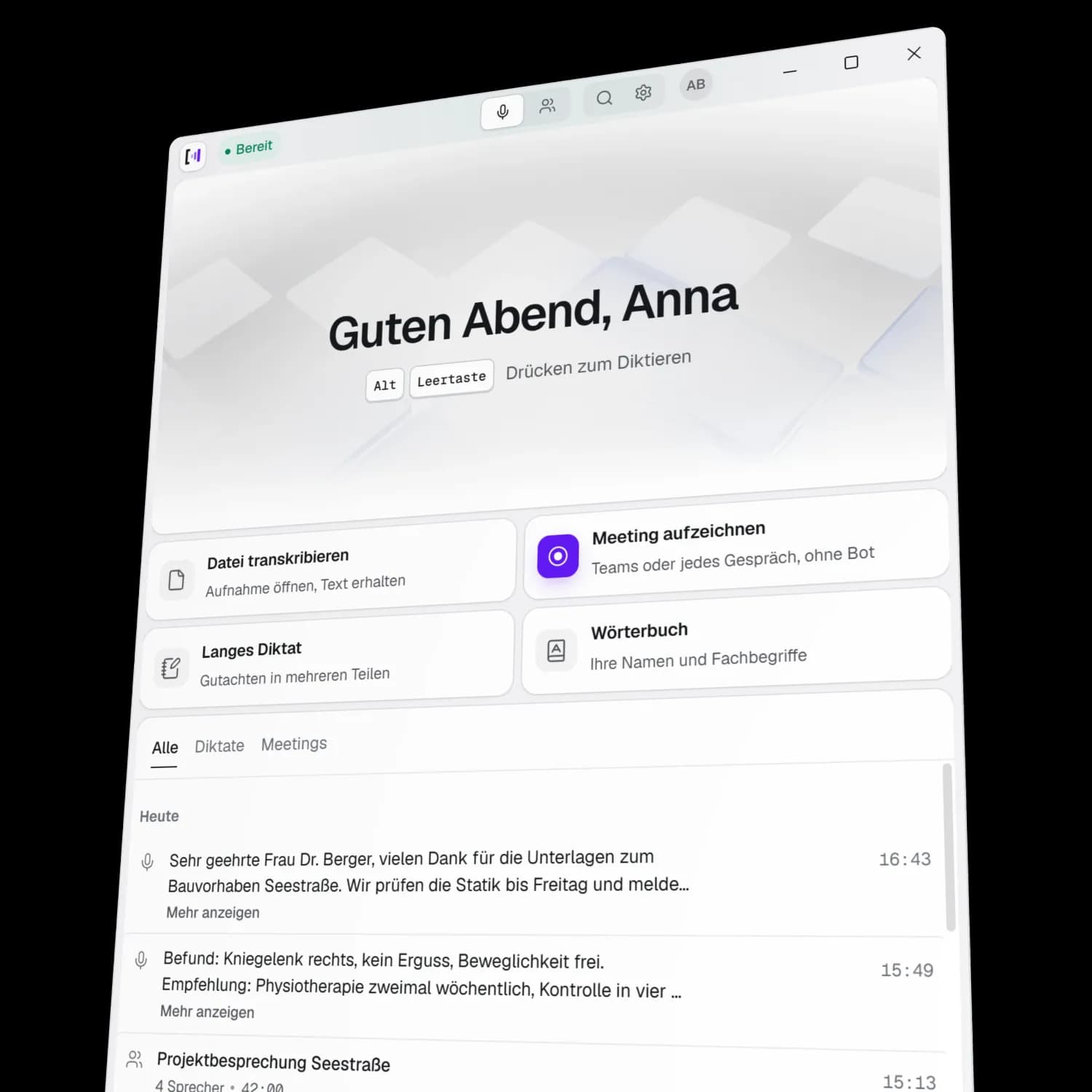
Minutes writes where you are working: in the email, the report, the expert opinion. And it takes notes of your Teams meetings, without a bot. Speech recognition runs locally; audio and text never leave the computer.
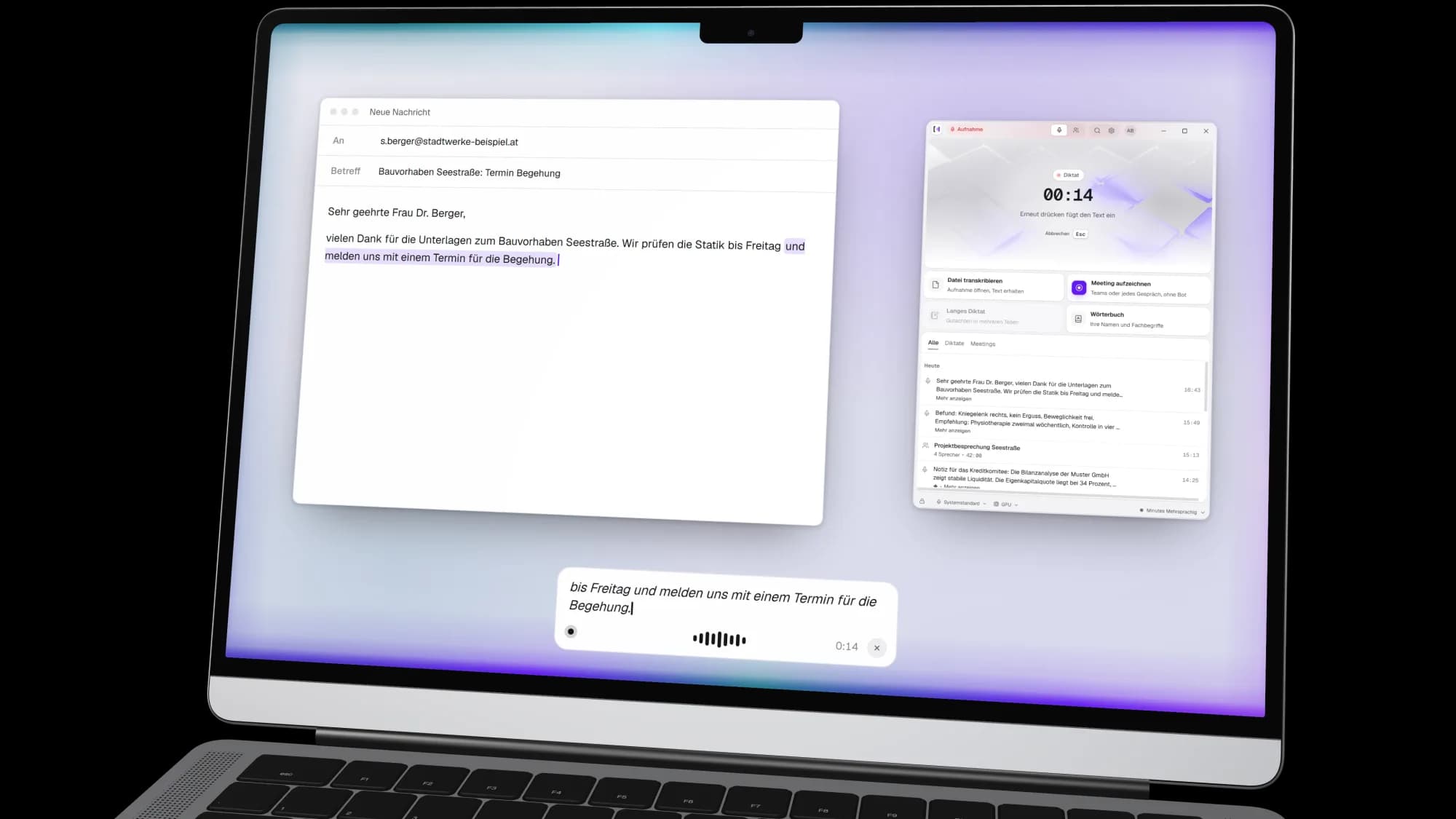
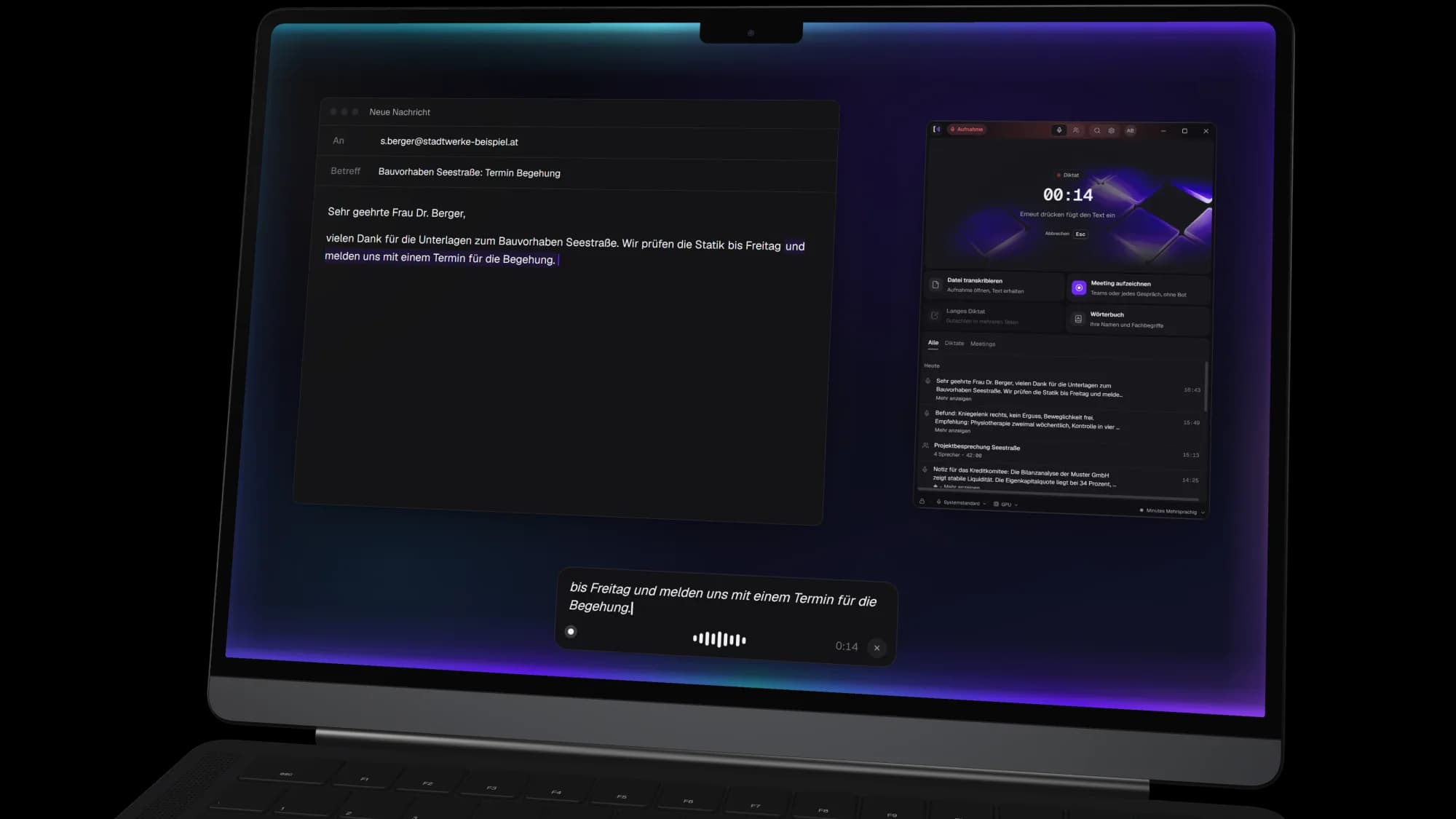
Example: Minutes writing along live: We will check the structural analysis by Friday and come back with a date for the site visit. Findings: right knee joint, no effusion, full mobility. Recommendation: physiotherapy. Note for the credit committee: the financial analysis shows stable liquidity. File note: the client calls back on Monday, deadline for the statement recorded.
01Dictation
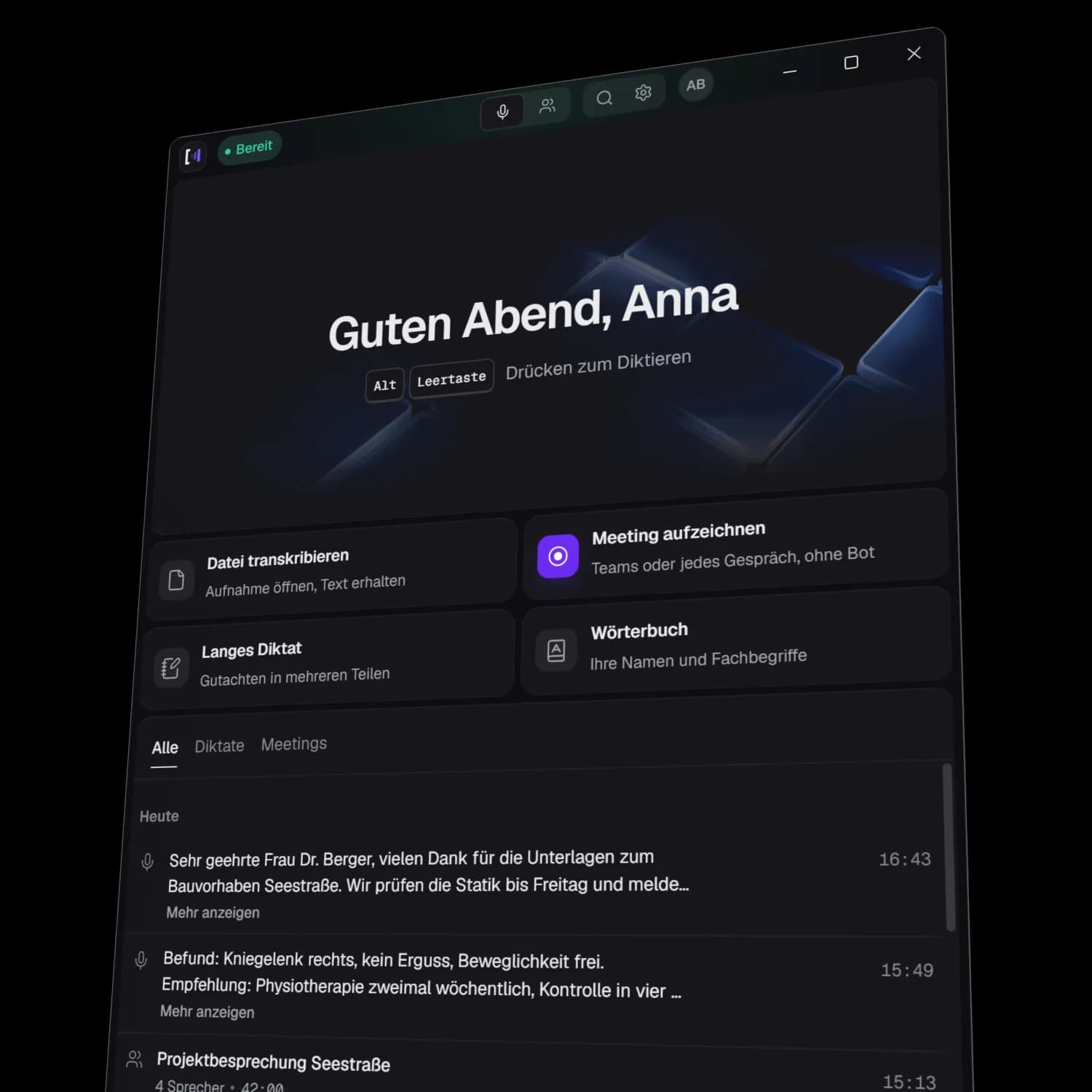
Outlook, Word, your practice software or the browser: Minutes writes where the cursor is. No copying, no detour through a window of its own.
Minutes learns technical terms, names and abbreviations through its dictionary.
02Meetings
Many tools send a bot into the meeting as an extra participant. Minutes does not: it records your microphone and the audio on your computer, in Teams or any other conversation, and transcribes locally afterwards.
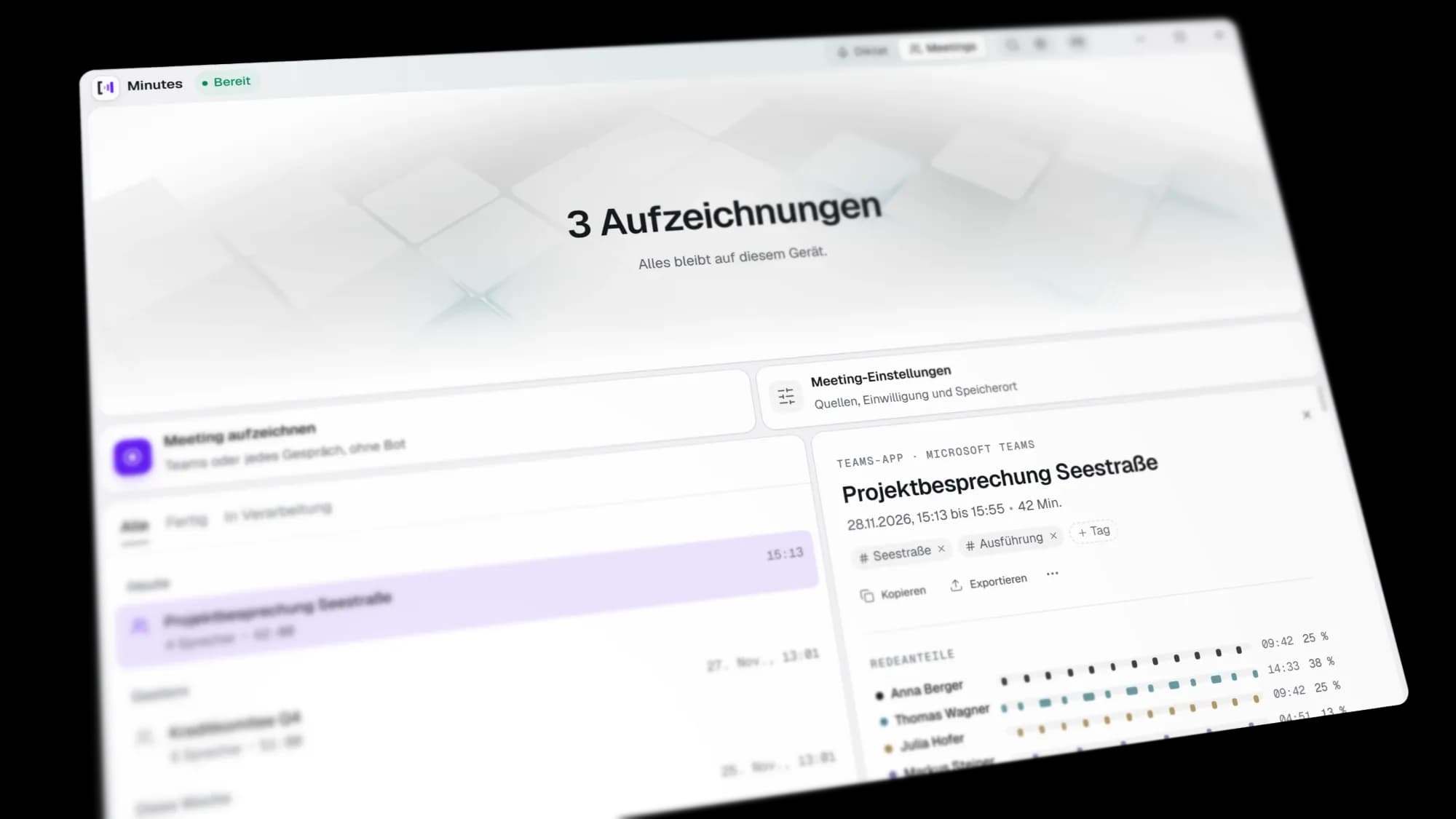
Nobody else sits in the meeting, and no recording sits with a service provider.
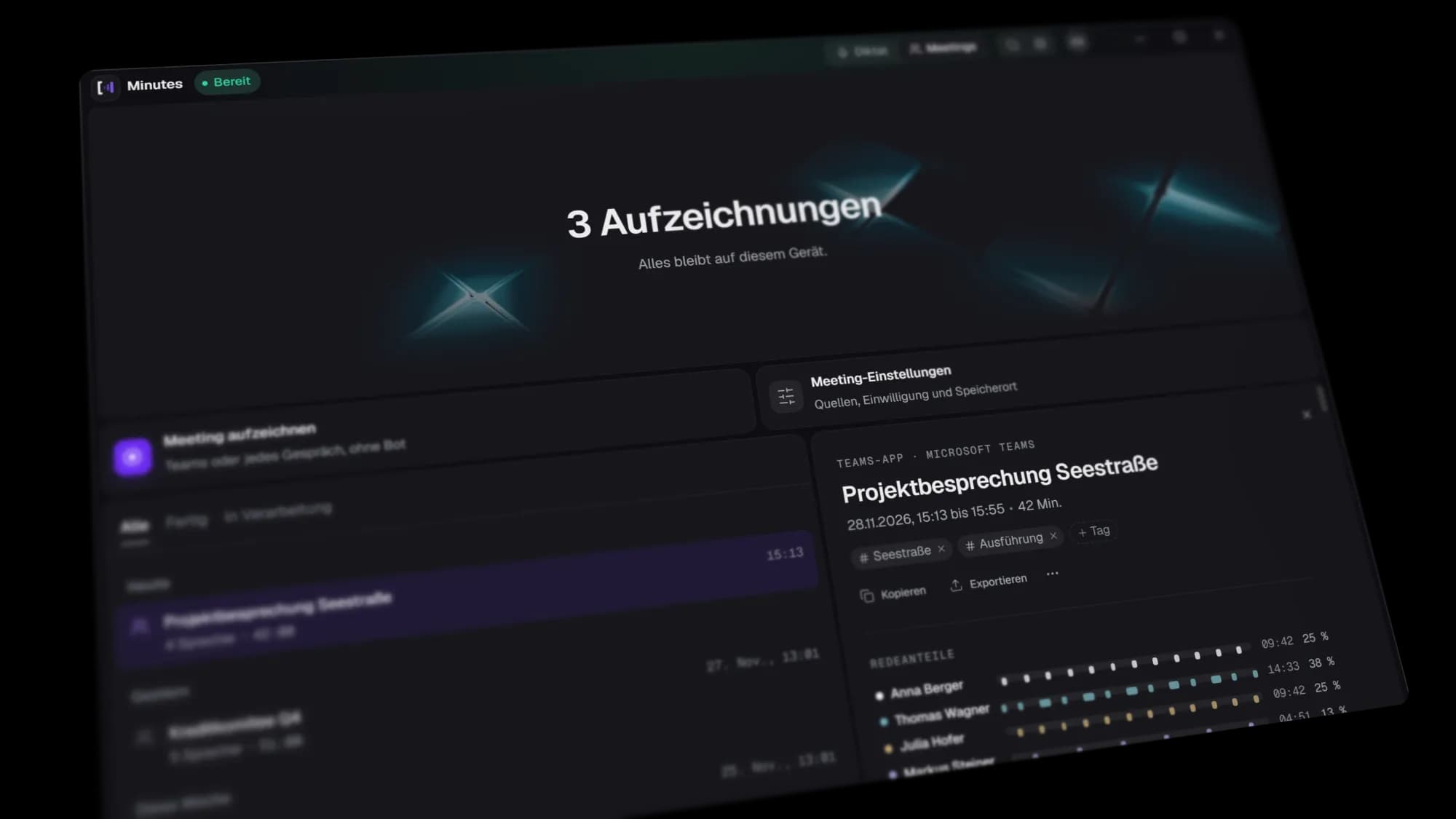
Minutes separates the voices, you name them. The timeline shows who spoke when and for how long.
Copy it, or export as text and Markdown, for the minutes for example.
Anyone who records a conversation tells the participants beforehand. Minutes does not replace that.
03Long texts & search
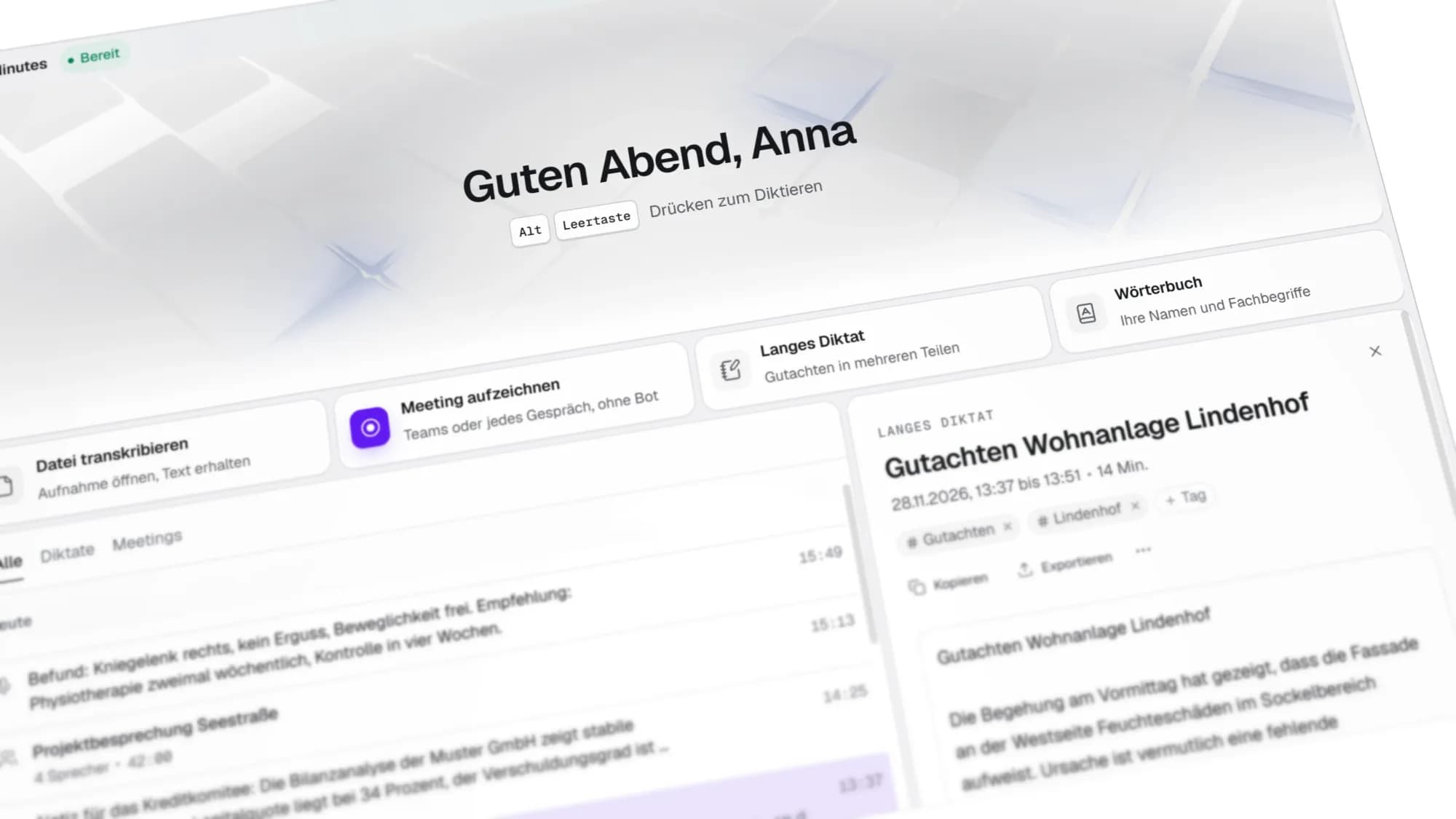
Dictate expert opinions and reports in parts, edit freely, file with tags, copy or export.
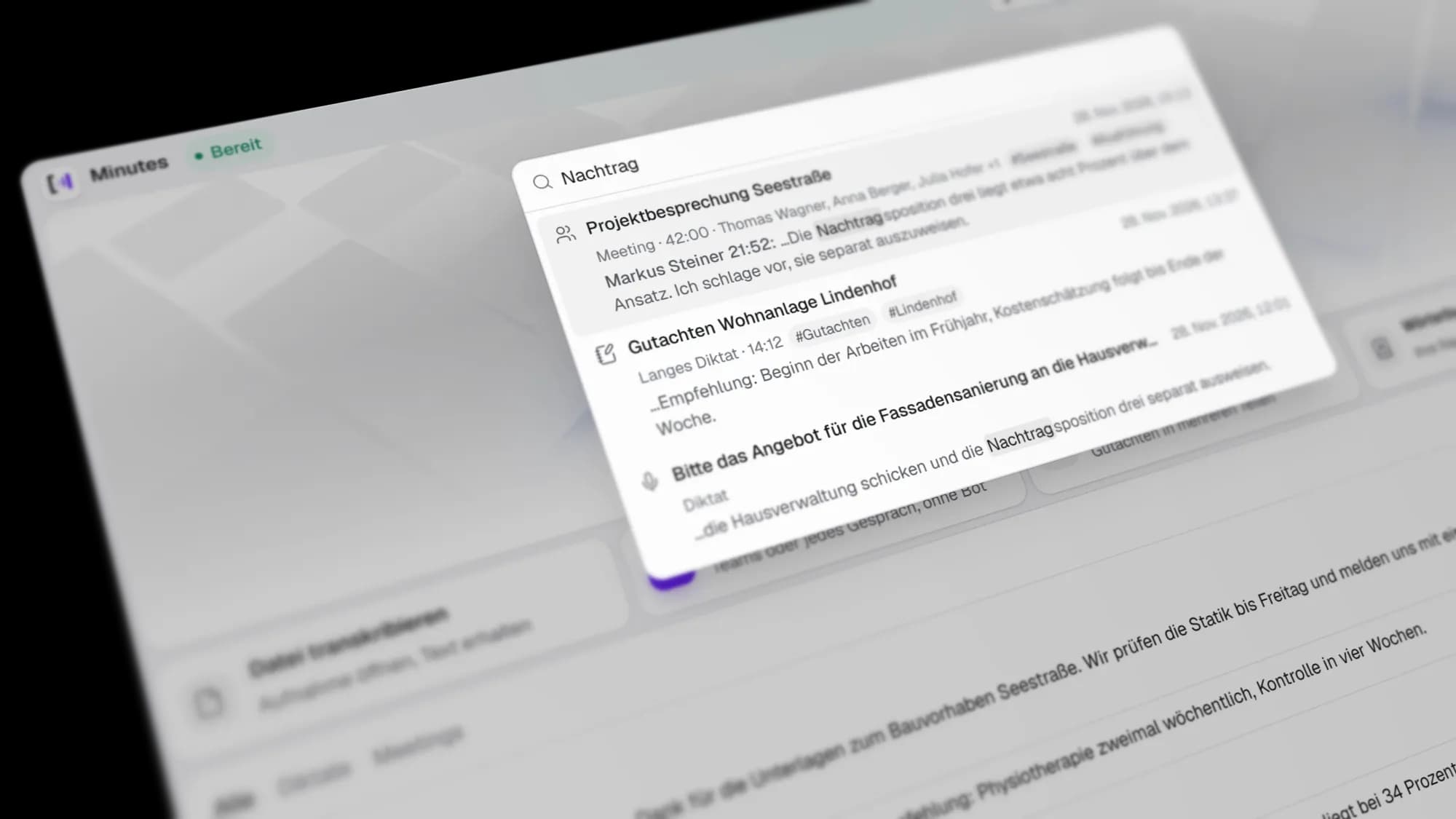
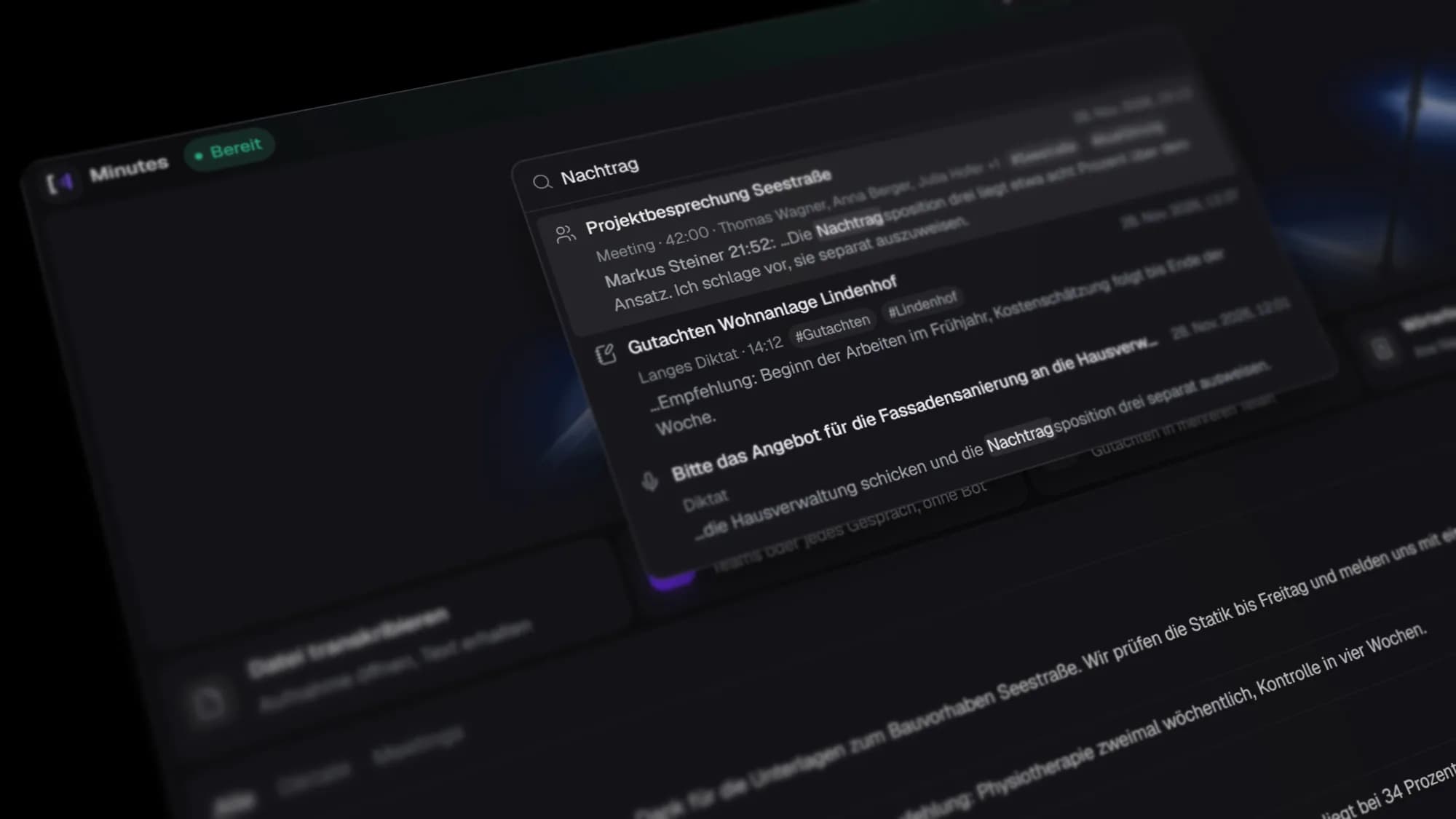
By words, @people, #tags or date, across dictations and meetings, with the match shown in its sentence.
Existing recordings too, a voice memo from the site for example: open the file and Minutes transcribes it, locally as well.
04Speed
With a graphics card or on a Mac with Apple silicon, Minutes is especially fast. Without a graphics card it runs on the processor, a little slower and just as local.
The speech model sits on your computer. No audio and no text goes to a server, not to us either.
05Privacy
Speech recognition, recordings, transcripts and the dictionary: Minutes works entirely on your computer. No audio and no text goes to a server, not to us either.
* Only sign-in, the licence check and updates go through apps.lumesec.ai.
06Who it is for
Architecture & construction
Spoken on site, finished in the office. Site meetings become minutes with speakers.
Medicine & practice
Dictated straight into the practice software. Patient data stays on the computer.
Banking & finance
Client meetings and credit committees transcribed locally, searchable and exportable.
Law & administration
File notes and meetings without a detour through a cloud.
07Licence
Minutes is a perpetual licence for your company, through your IT partner. No subscription that switches the app off.
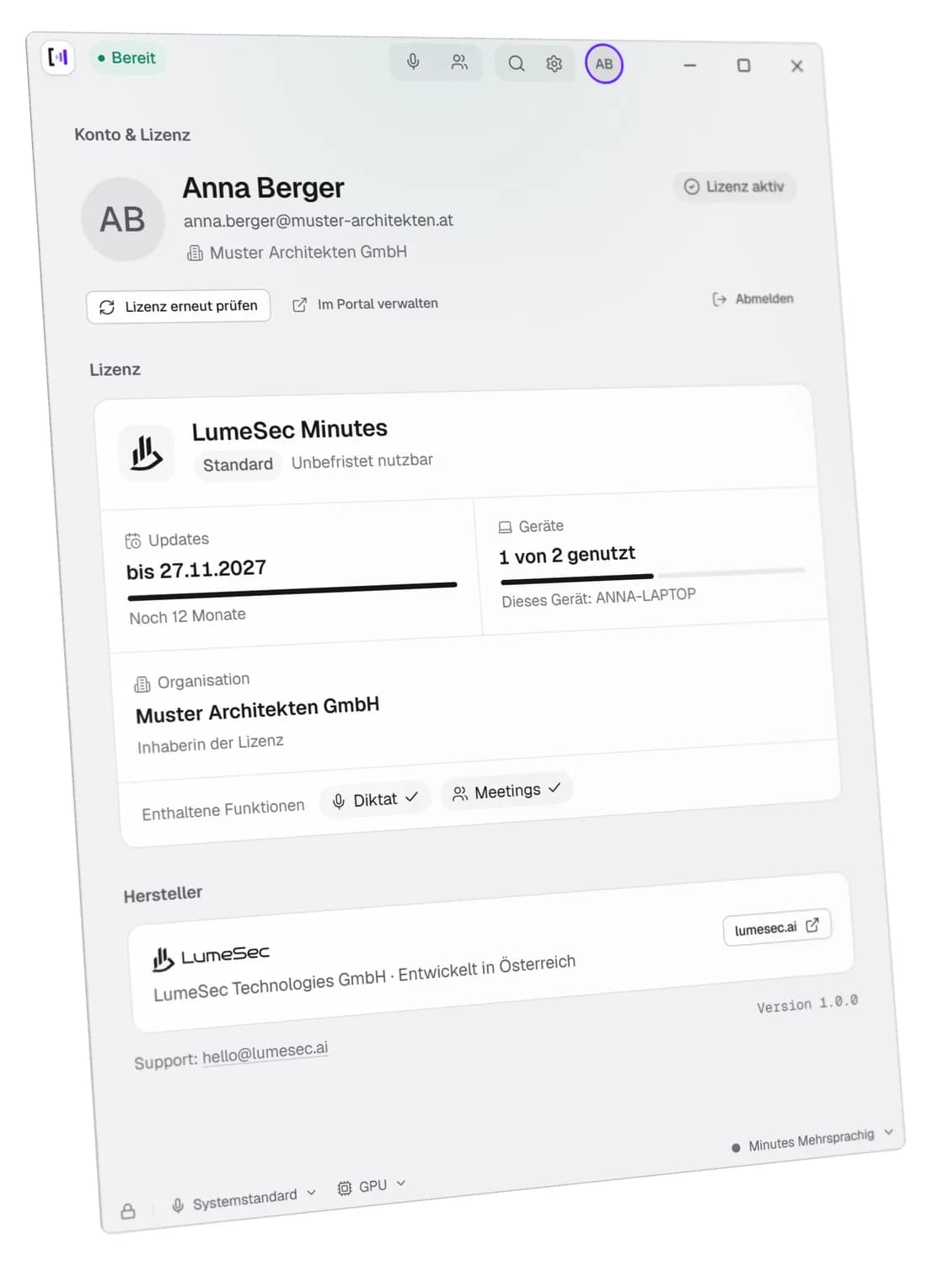
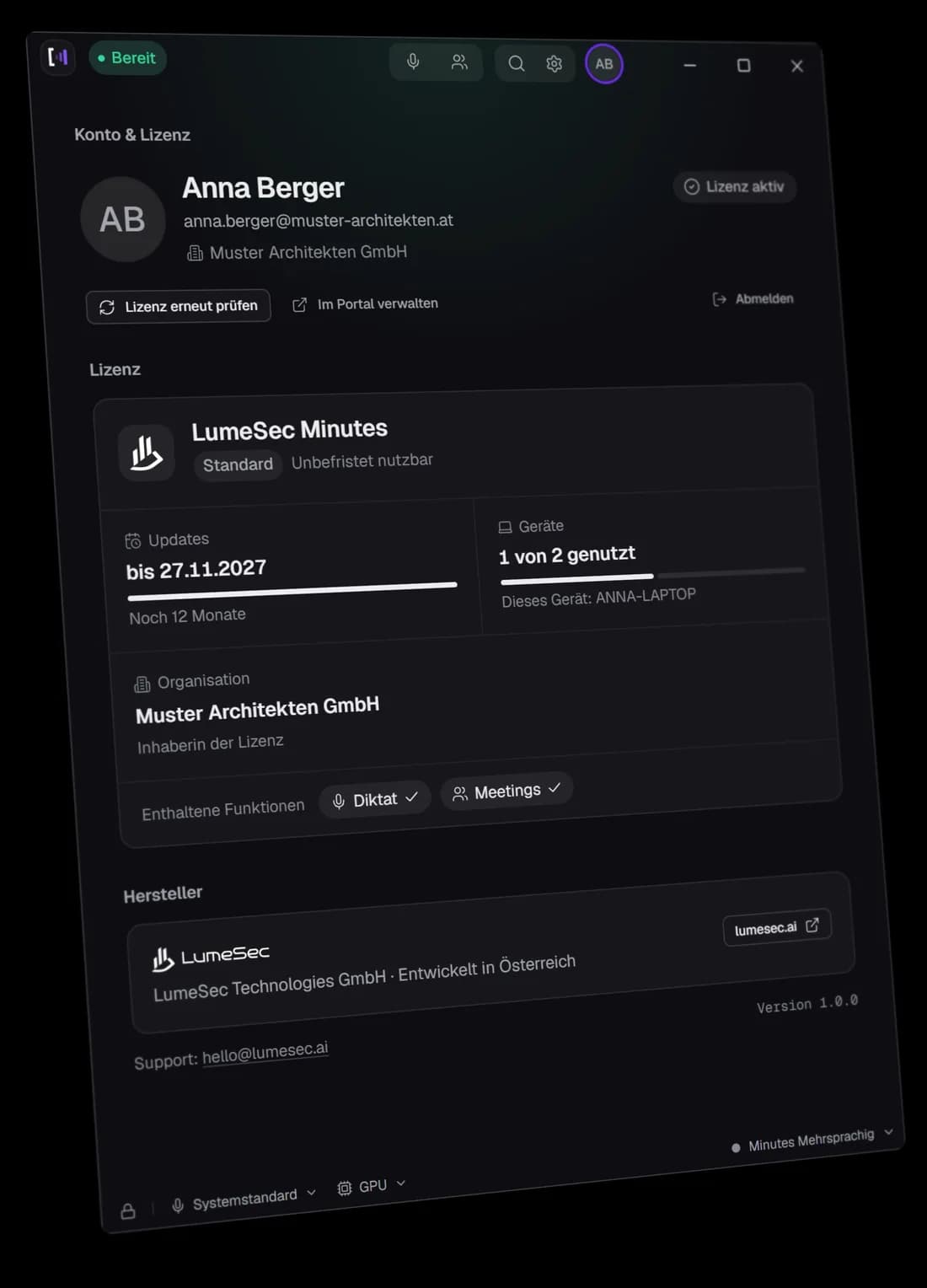
Every person gets a seat. Administrators assign the seats in the portal.
New versions arrive signed and automatically. When the period ends, Minutes simply keeps running.
The office computer and the laptop for the road, for example.
Sign in once in the browser. Minutes never asks for a licence key.
Licences, setup and advice come from your IT partner, from a single source. No partner yet? We will name one near you.
08Questions
Speech recognition runs on your computer. Audio, transcripts, the dictionary and file names never leave it. Minutes only connects to apps.lumesec.ai: for sign-in, the licence and device check, and updates.
Any text field with a cursor: Outlook, Word, the Teams chat, your practice or firm software, the browser. Minutes inserts the text at the cursor.
Minutes records your microphone and the audio of the Teams app on your computer. It does not join the meeting; there is no bot and no extra participant. It then transcribes locally, with speakers and speaking time.
Yes. Anyone who records a conversation tells the participants beforehand and, where required, asks for their consent. Minutes does not take that duty off you.
German, English and 23 more European languages. You keep technical terms and names in the dictionary.
Windows (x64) or a Mac with Apple silicon. With a graphics card or Apple silicon Minutes is especially fast; without a graphics card it runs on the processor, a little slower.
Minutes keeps running; you just do not get new versions. You can renew through your partner.
Through your IT partner. No partner yet? Request a demo and we will name a partner near you.
We show you Minutes on your example: a dictation in your software, a meeting with speakers, the search. Afterwards you know whether it suits your office, and who your partner is.
The product images show fictional data. Microsoft, Teams, Outlook, Word and Windows are trademarks of Microsoft Corporation; Apple, Mac, macOS and Apple silicon are trademarks of Apple Inc. They are named only to describe compatibility.