Anyone who writes a lot knows it already: speaking is faster than typing. A medical finding, a site-visit report, a note for the credit committee is quicker said than typed.
Still, many offices do not dictate. Not because they do not want to, but because the tools set a condition they cannot meet: the recording goes to someone else's server. For a medical practice, a bank or a law firm that is no small thing. It is the reason it does not happen.
That is why we built LumeSec Minutes.
What Minutes does
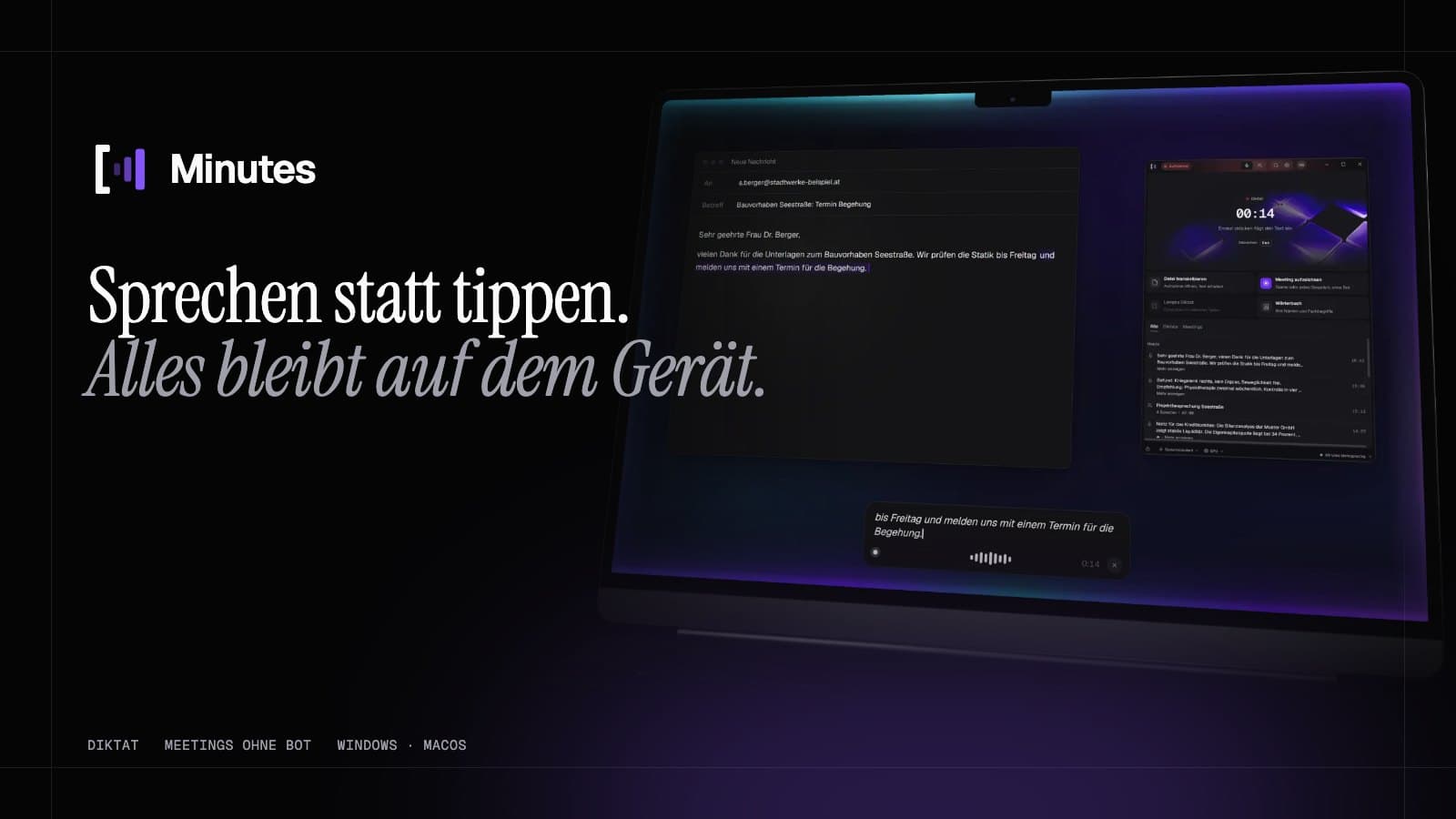
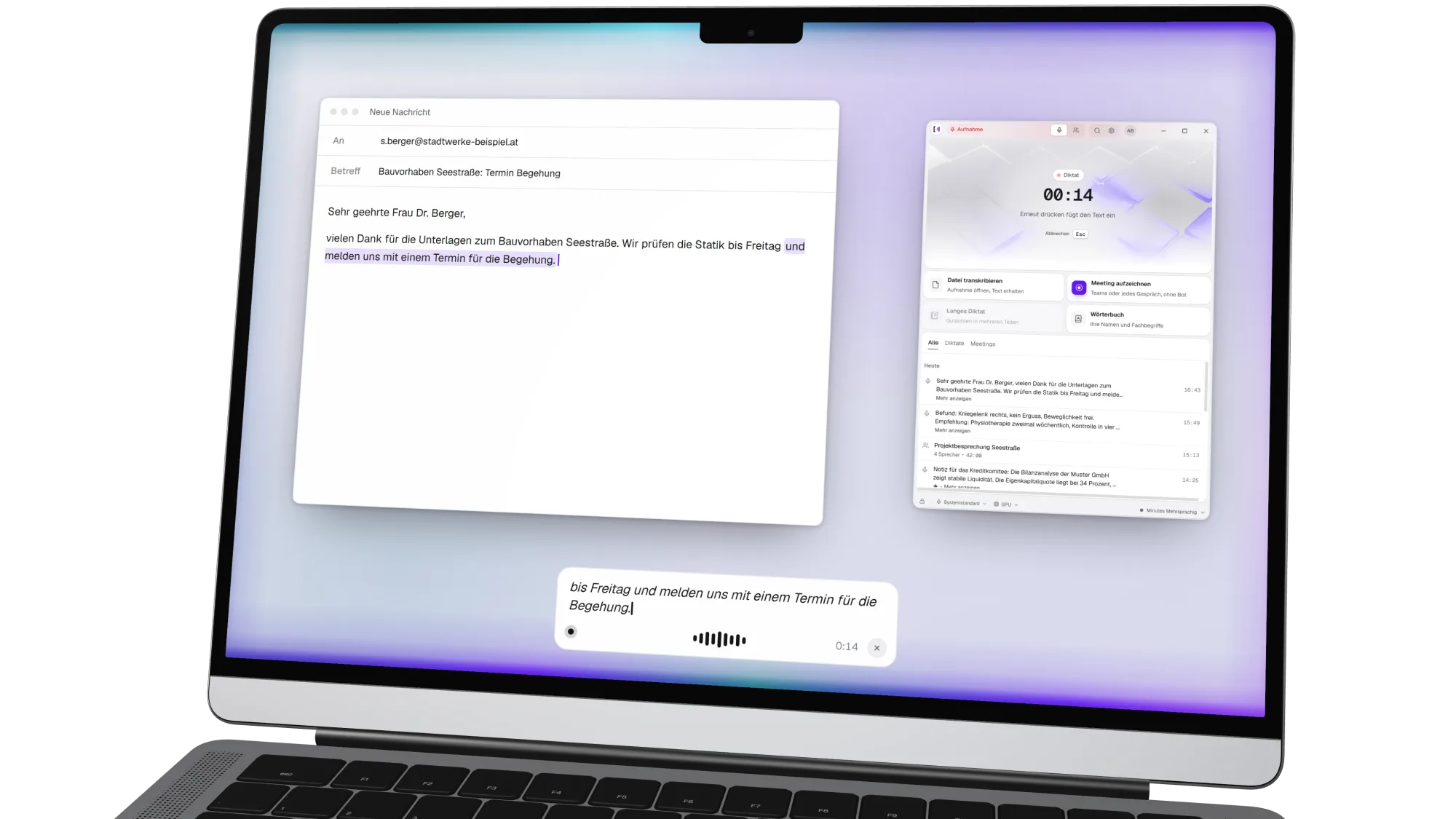
Dictation in any application. Press a key, speak, let go. The text appears where the cursor is: in Outlook, in Word, in your practice software, in the browser. While you speak, the recognised text runs along in the input field. Minutes learns technical terms and names through its dictionary.
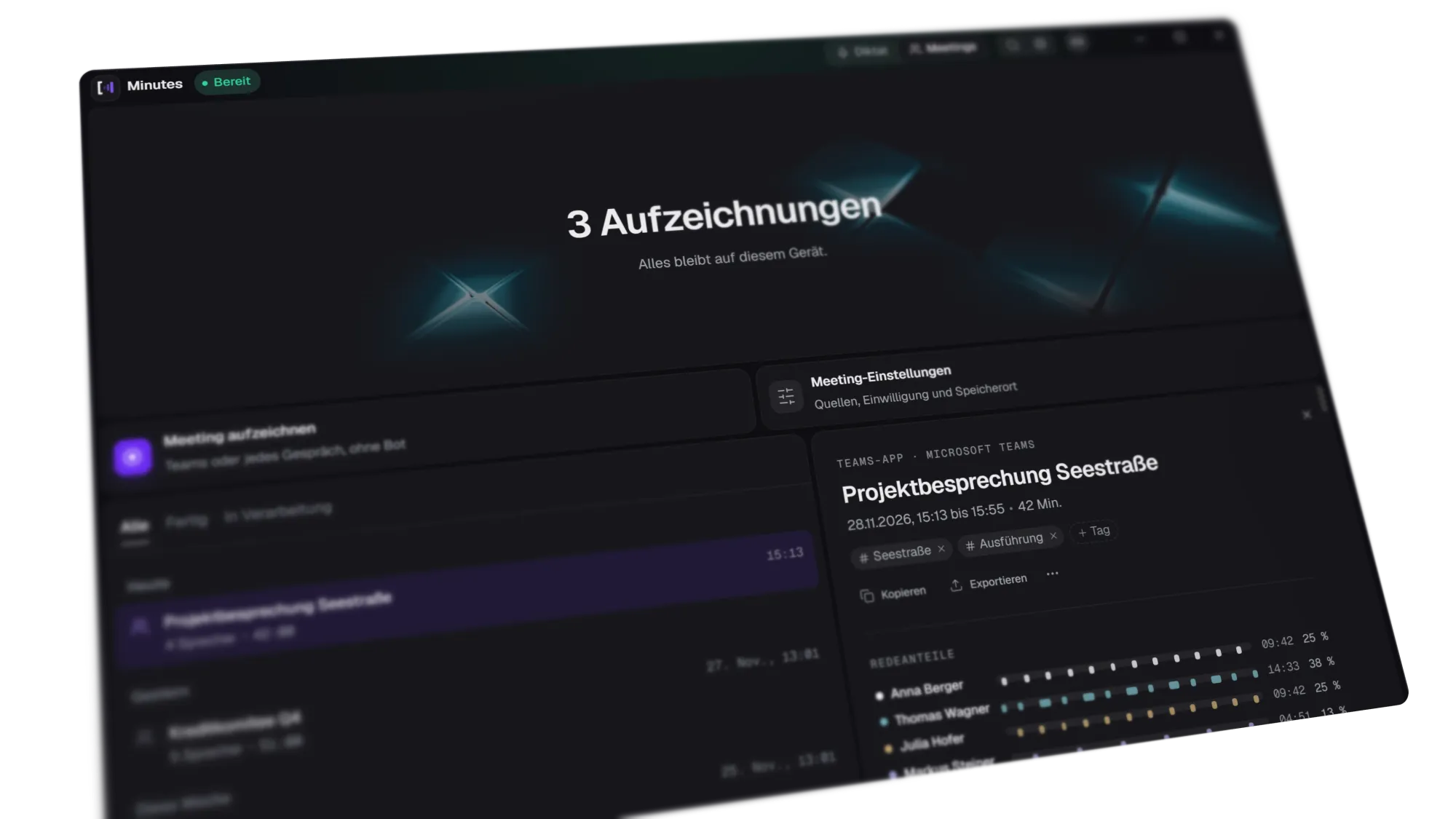
Meetings without a bot. Many meeting-notes tools put an extra participant into the Teams meeting: a bot that records and sends the recording to a service provider. Minutes records your microphone and the Teams audio on your own computer and transcribes locally afterwards, with speakers and speaking time. Nobody else sits in the meeting. What still matters: whoever records tells the participants beforehand.
Long texts and one search for everything. Expert opinions and reports can be dictated in parts and edited freely. The search finds words, @people, #tags and dates across dictations and meetings, and shows the match in its sentence. Minutes also transcribes existing recordings, a voice memo from the building site for example.
What leaves the computer
We gave ourselves a strict rule for this question: the answer has to fit on one line. Here it is.
Audio, transcripts, the dictionary and file names stay on the device. Minutes only talks to our licence platform, and only for three things: sign-in, the licence and device check with a random device ID, and signed updates whose signature and checksum Minutes verifies before installing.
This is not a setting you can forget. It is the architecture. The speech model runs on the computer, especially fast with a graphics card or Apple silicon, on the processor without one.
Buy, don't rent
Minutes is a perpetual licence for your company, with named seats and updates for an agreed period. When the period ends, Minutes keeps running. Every person can use two devices, the office computer and the laptop for example. And Minutes never asks for a licence key: you sign in once in the browser.
Licences, setup and advice come through IT partners, from a single source. If you do not have a partner yet, we will name one.
Who it is for
For every office where text is work: architecture and construction, medical practices, banks, law firms and administration. Wherever a lot is written and the content does not belong in someone else's cloud.
See Minutes and request a demo
The product images show fictional data. Microsoft, Teams, Outlook and Word are trademarks of Microsoft Corporation; Apple silicon is a trademark of Apple Inc.